Meshora Turn ideas into editable 3D meshes.
Text, photos, and doodles → preview, organize, and export. No Blender required.


Used by creators, designers & makers
Trusted by creators, designers & makers worldwide
50k+
Creators
2M+
Meshes generated
GLB · OBJ · STL
Export formats
4.9★
App Store rating
Gallery
What creators are making
Real example meshes from text, photos, and doodles — same showcase idea as Meshy, built for Meshora.
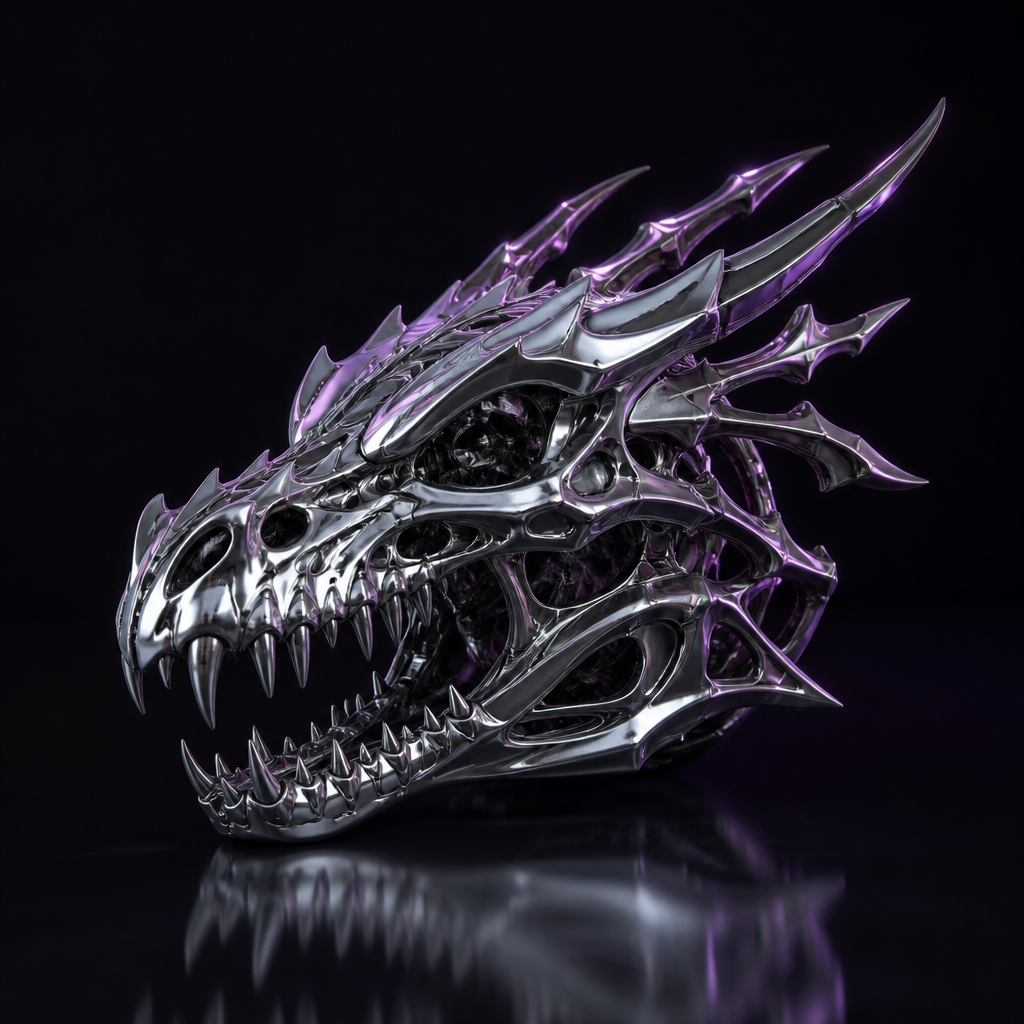
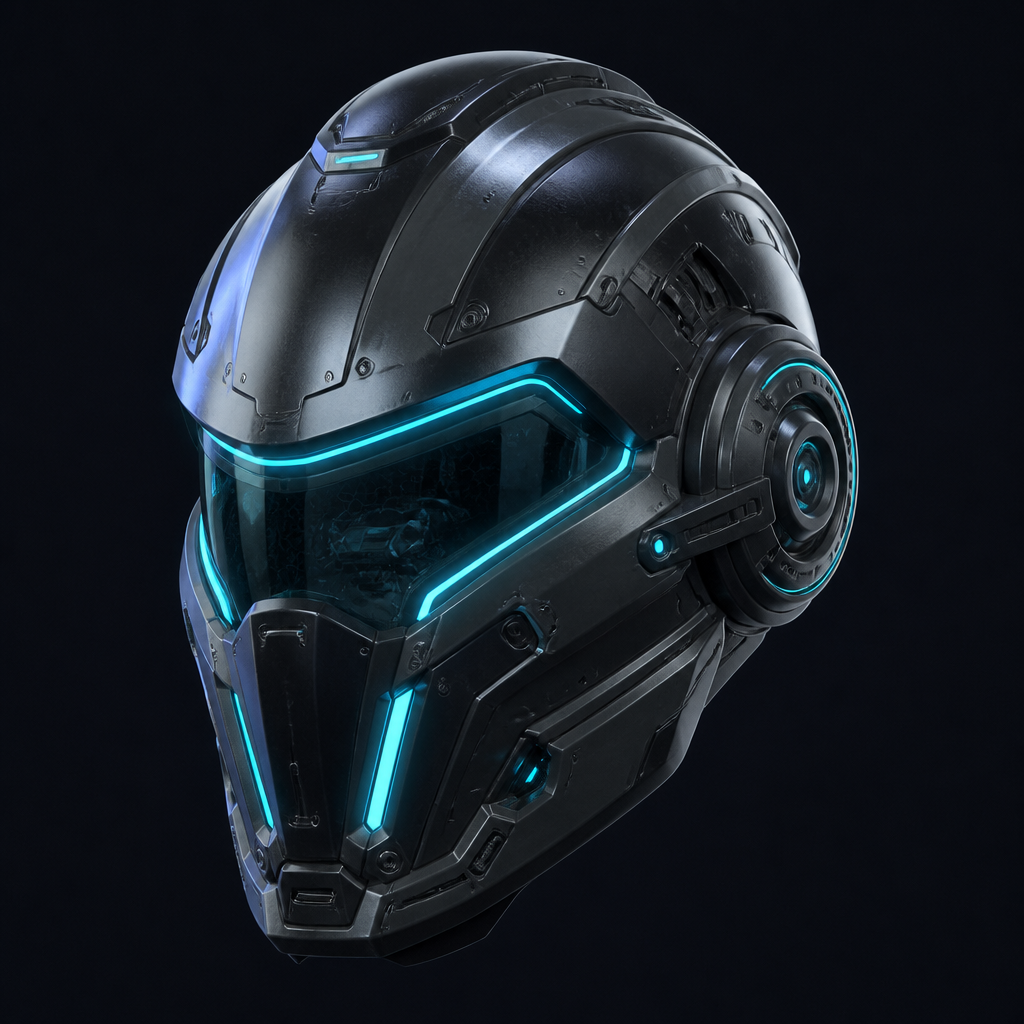 Image → 3D
 Cyber helmet
helmet_photo.jpg → mesh
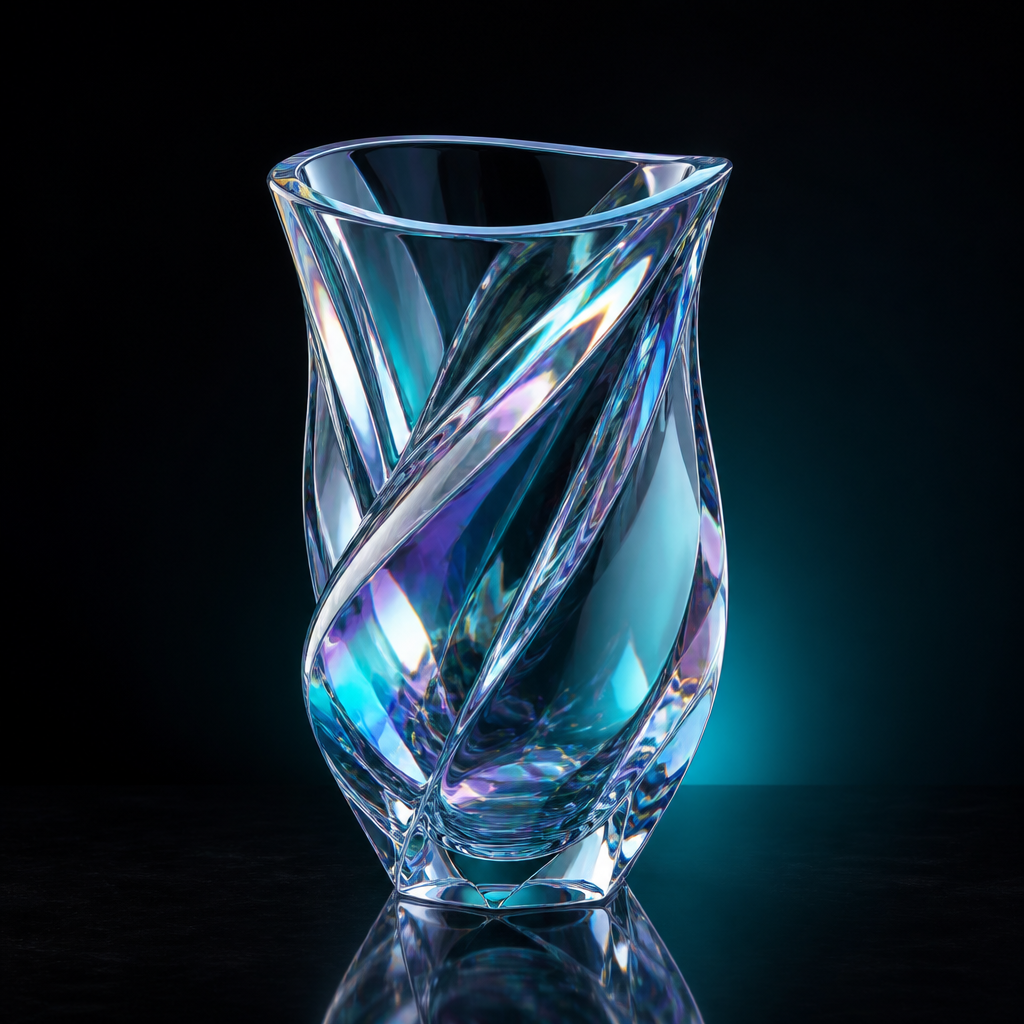 Text → 3D
 Crystal vase
"Iridescent crystal vase"
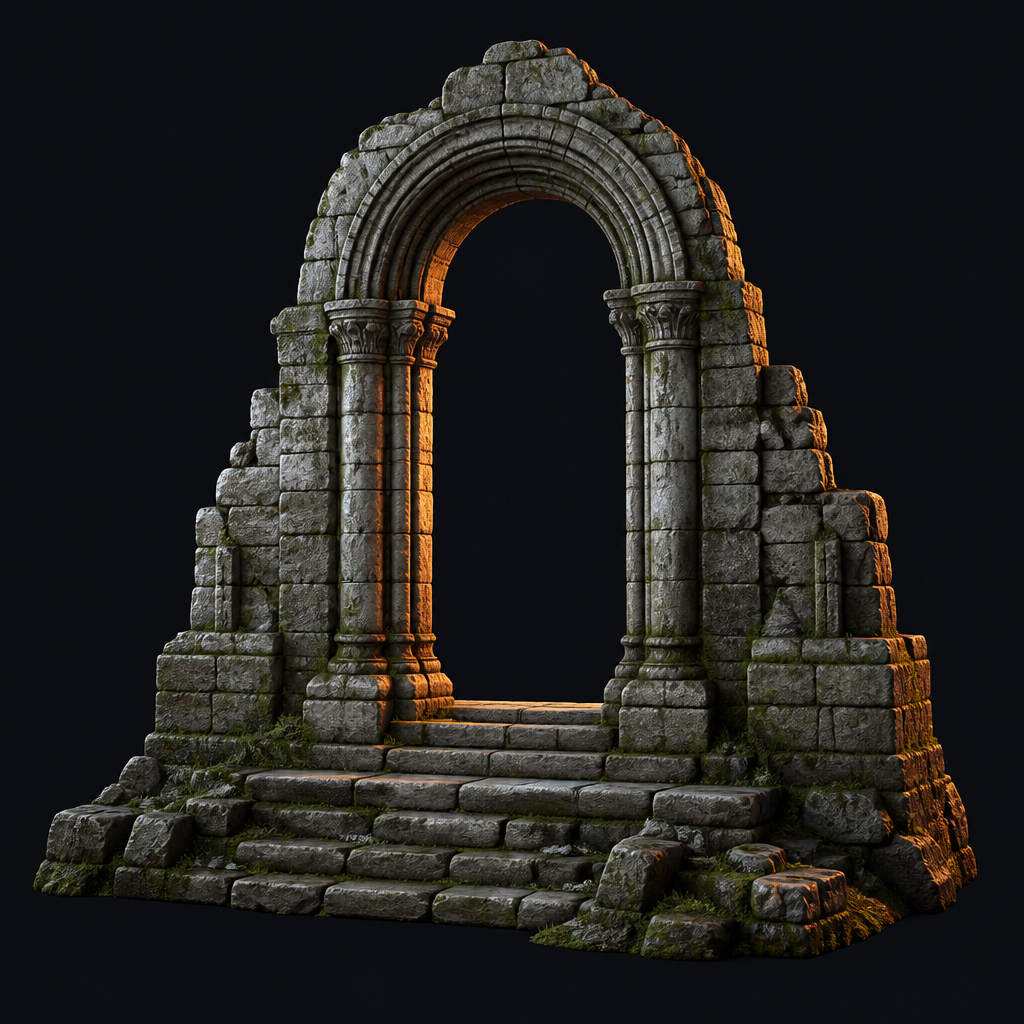 Image → 3D
 Stone arch
ruin_ref.jpg → mesh
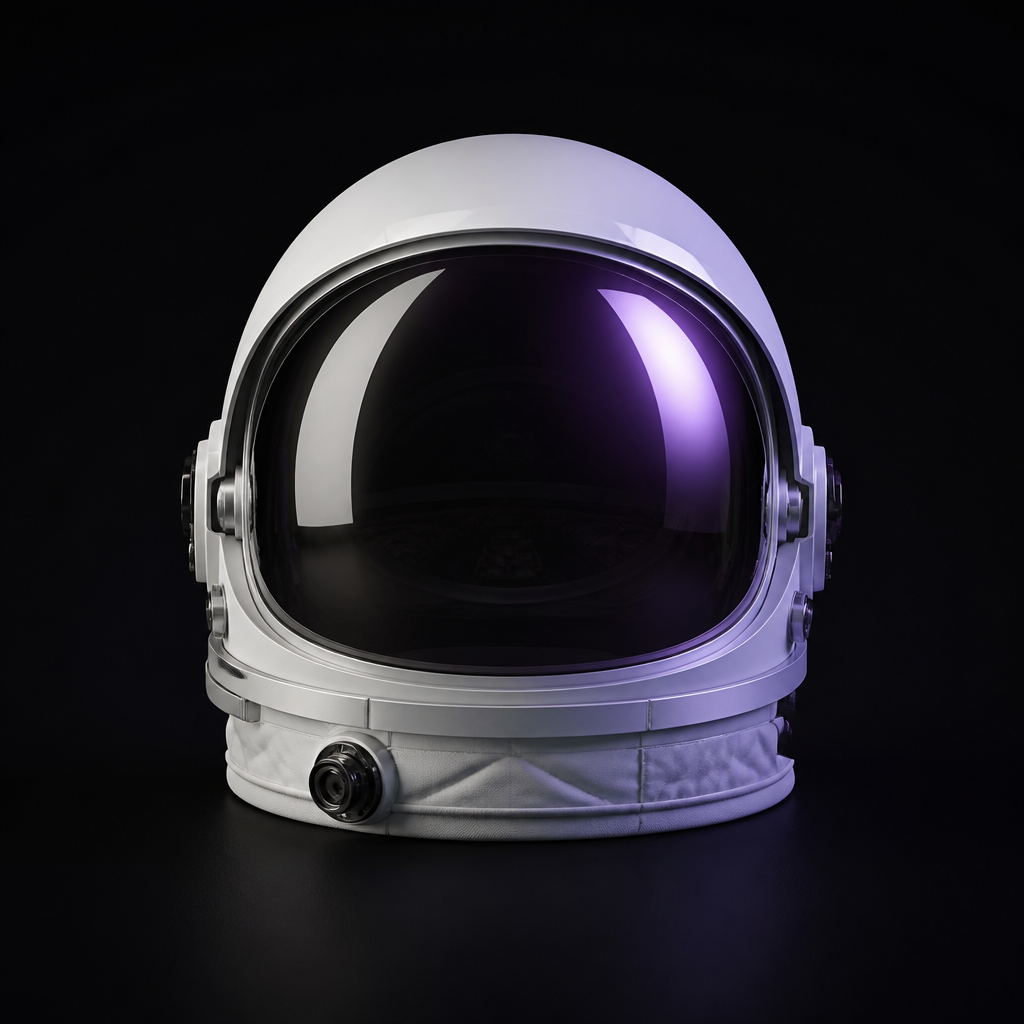 Text → 3D
 Space helmet
"Astronaut helmet, glossy visor"
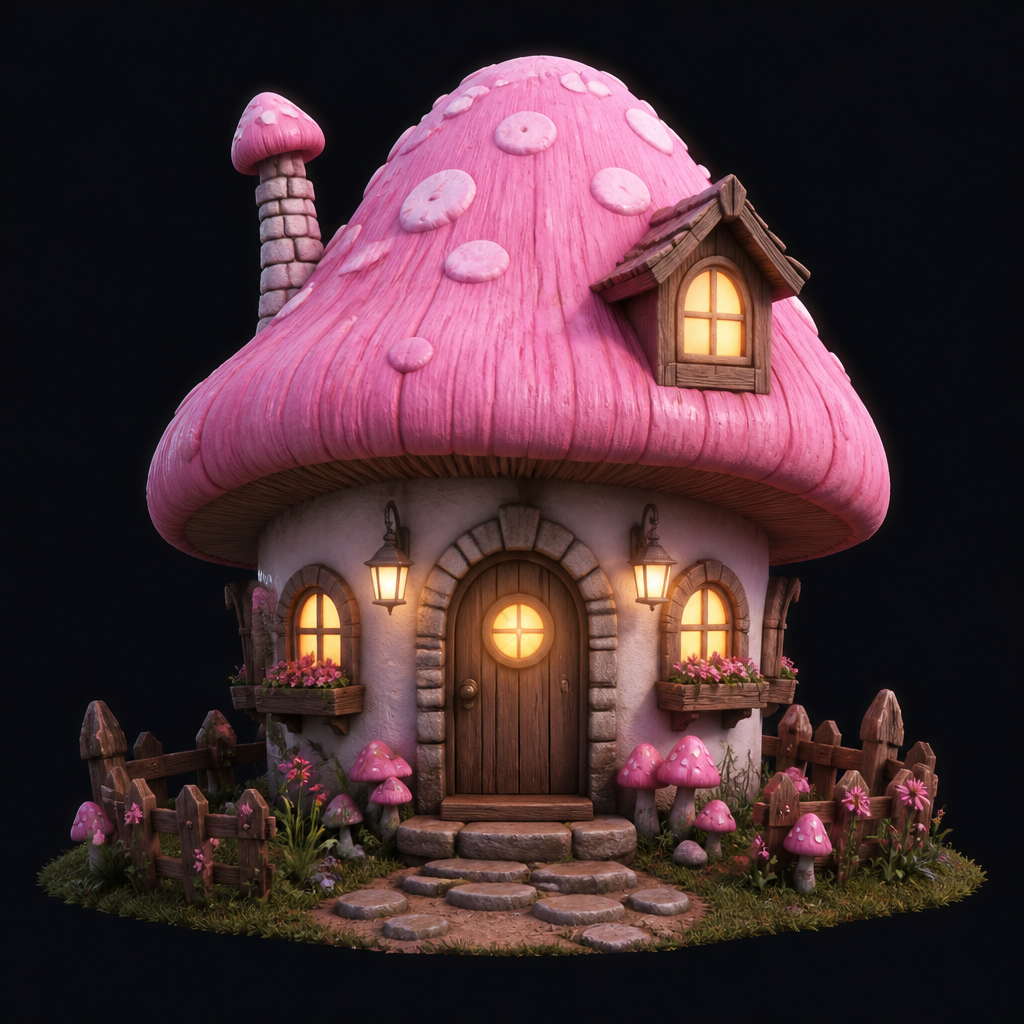 Doodle → 3D
 Mushroom house
cottage sketch → solid form
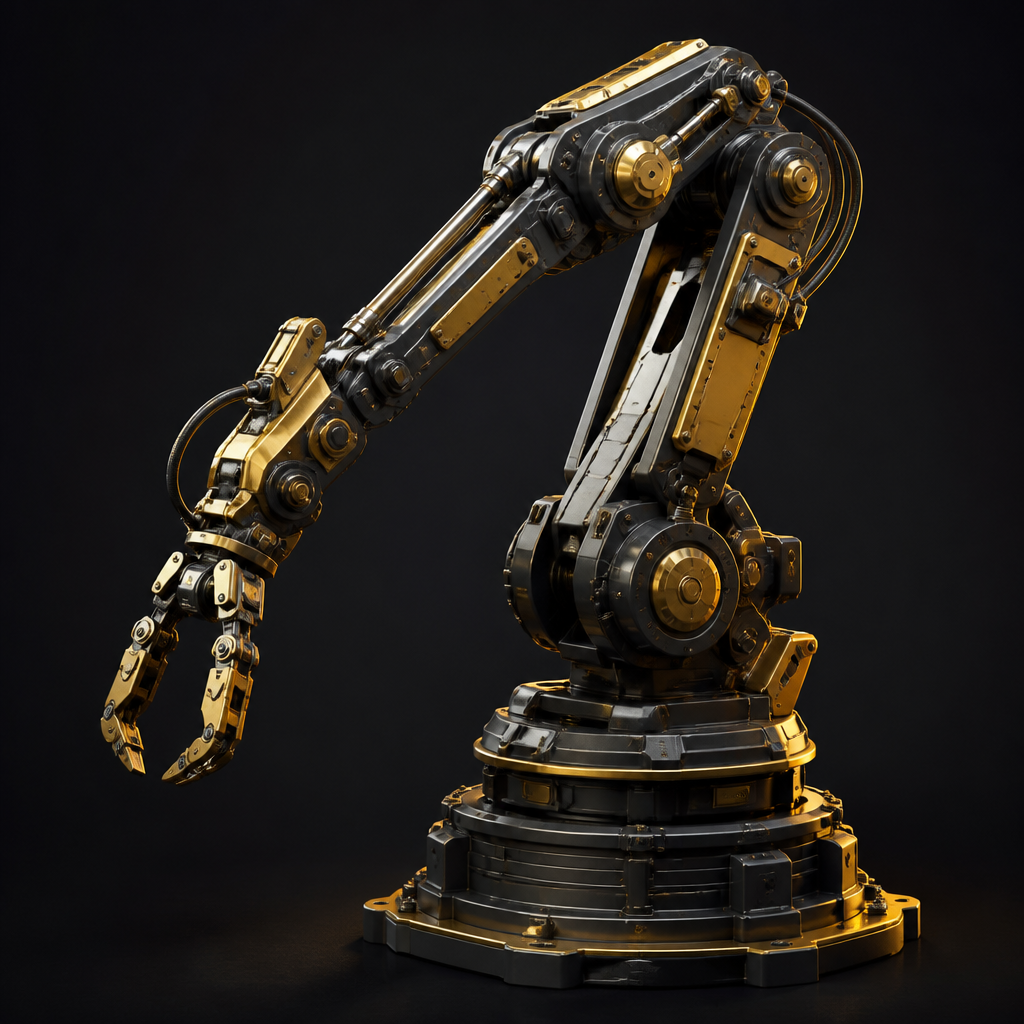 Text → 3D
 Mech arm
"Gold mechanical arm"
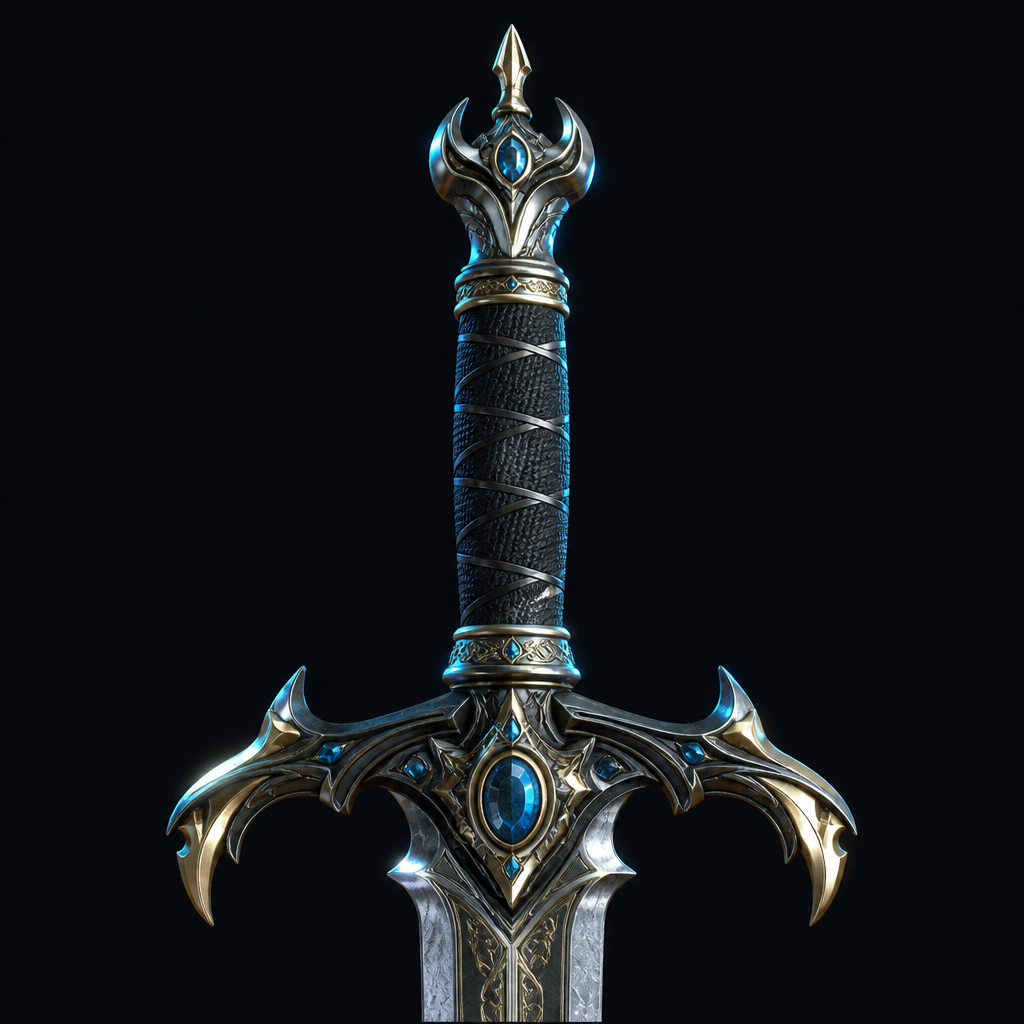 Image → 3D
 Sword hilt
blade_hilt.jpg → mesh
Example generations · Open Studio to create your own
How it works
Three steps from idea to mesh
Describe it, generate it, ship it.
Prompt or photo
Type a brief, drop a photo, or sketch a doodle. Meshora takes whatever you start with.
Generate mesh
AI builds an editable 3D mesh — ready to inspect, refine, and keep in your library.
Preview & export
Rotate in-browser, organize projects, and export when the asset is ready.
Studio
Built for fast 3D assets
Everything you need between a spark and a shippable mesh.
Text → 3D
Text inputDescribe the object. Get a mesh you can edit — not a locked render.
"A futuristic robot head with glowing eye lenses"
Image → 3D
Image inputUpload a photo and reconstruct form for prototypes, props, and product shots.
product_photo.jpg → sculpted mesh
Doodle → 3D
Sketch inputRough sketches become volume. Ideal when you think with a pen, not a camera.
rough circle + triangle sketch → reconstructed form
Real-time preview
Live 3DInspect meshes in the browser before you commit to an export.
Library
OrganizeKeep generations organized so campaigns, games, and prints stay coherent.
Export
GLB · OBJ · STLPull assets out of Meshora into your existing pipeline when they're ready.
Who it's for
When you need 3D without the wait
Memory keepsakes
Build personal objects from photos when the goal is remembrance, not modeling hours.
Try it nowMarketing assets
Produce campaign-ready 3D visuals without waiting on a full art pipeline.
Try it nowPlans
Start free. Upgrade in-app.
Choose Starter, Pro, or Business inside Meshora. Open the studio to see current plan limits and unlock options.
Starter
Free
Try the studio and ship your first meshes.
- ✓ Text / image / doodle generate
- ✓ In-browser preview
- ✓ Personal library
Pro
In-app
For creators and freelancers who generate often.
- ✓ Higher generation limits
- ✓ Faster queue priority
- ✓ Expanded export options
Business
In-app
For teams that need volume and shared workflows.
- ✓ Team-friendly limits
- ✓ Shared asset workflows
- ✓ Priority support
Questions
FAQ
What is Meshora?
Meshora (Meshora 3D Pro) is an AI 3D studio that turns text, photos, and doodles into editable 3D meshes you can preview, organize, and export.
Do I need Blender experience?
No. Meshora is built for creators, designers, and marketers who need fast 3D assets without a traditional modeling workflow.
Where can I get Meshora?
Use the web studio at app.meshora.pro, or download Meshora 3D on the App Store for iPhone, iPad, and Mac. Google Play is coming soon.
How does pricing work?
Plans (Starter, Pro, Business) are managed in-app. Start free, then upgrade when you need more capacity.
Meshora 3D Pro
Open Meshora 3D Pro
Generate your first editable mesh in minutes — on web, iPhone, iPad, or Mac.
Free to start · No Blender required